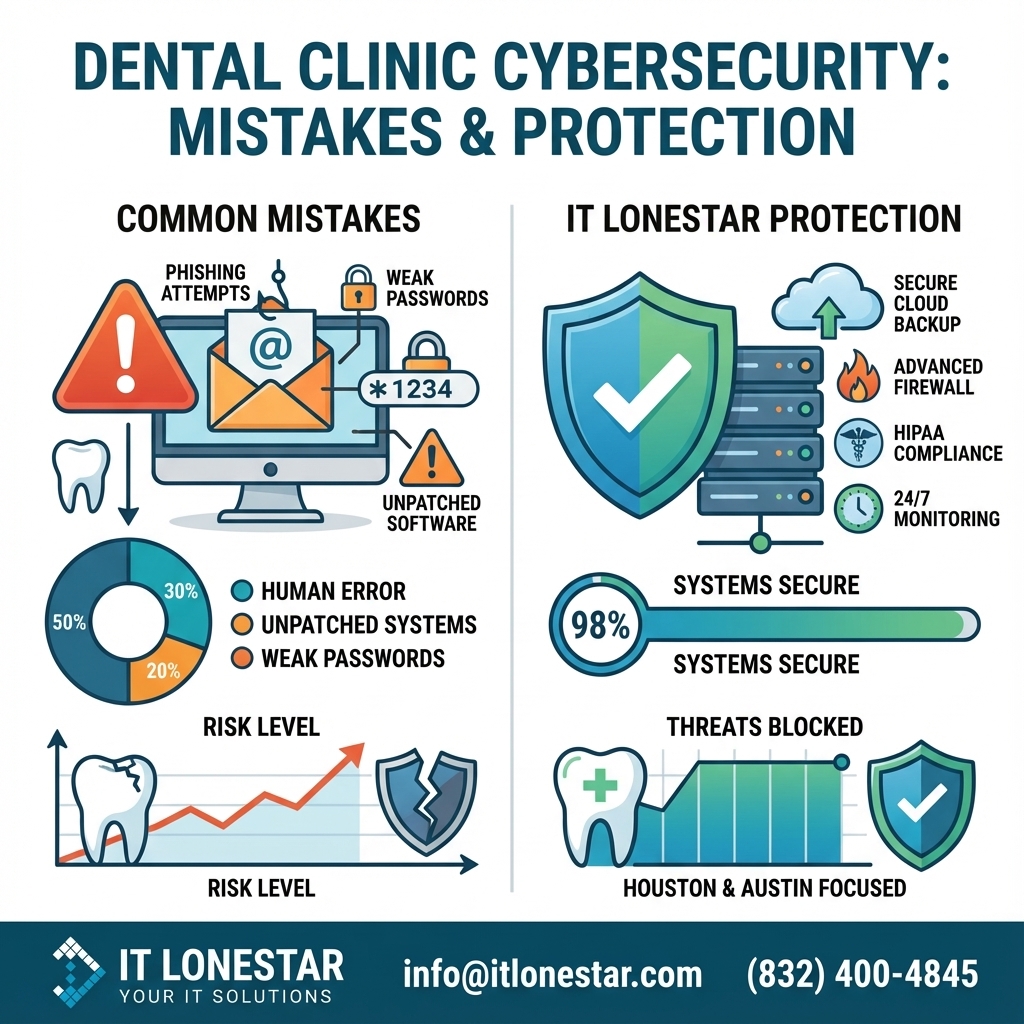
IT LONESTAR specializes in securing dental practices across Houston and Austin with a cybersecurity and compliance approach designed specifically for healthcare and HIPAA‑regulated environments. Our services directly address the common mistakes that put clinics at risk:
1. Identity, access, and password hardening
– Enforce strong password policies, role‑based access, and MFA for all critical systems (EHR, practice management, imaging, billing).
– Implement secure password management tools so staff no longer share or reuse credentials.
2. HIPAA‑compliant backup and disaster recovery
– Design and manage encrypted, redundant, and immutable backups (onsite + cloud) for your practice data.
– Regularly test restores to prove you can recover quickly from ransomware, hardware failure, or human error.
– Build Recovery Time Objective (RTO) and Recovery Point Objective (RPO) plans tailored to dental operations.
3. Patch management and secure system lifecycle
– Centralized, automated patching for Windows, macOS, servers, and critical dental applications.
– Asset inventory and lifecycle planning to phase out unsupported or vulnerable systems without disrupting patient care.
4. Secure network architecture for dental environments
– Segment networks so clinical systems, business workstations, and guest Wi‑Fi are separated.
– Deploy and manage next‑generation firewalls, secure remote access (VPN), and strict access controls for vendors.
5. Email security and phishing protection
– Deploy advanced email security (anti‑phishing, anti‑spoofing, attachment and URL scanning) tuned for healthcare workflows.
– Provide ongoing security awareness training tailored to front‑desk, clinical, and billing staff.
6. 24/7 security monitoring and incident response
– Implement endpoint detection and response (EDR) and SIEM‑backed monitoring across your environment.
– Provide alerts, triage, and coordinated response to suspicious activity, attempted logins, and malware events.
7. HIPAA‑aligned security program and documentation
– Conduct formal HIPAA risk analyses for dental clinics in Houston and Austin.
– Build and maintain written policies, procedures, and technical safeguards aligned with HIPAA Security Rule.
– Prepare documentation that supports audits, insurer questionnaires, and vendor due diligence.
8. Local, dental‑focused IT partnership
– Onsite support available in both the Houston and Austin metro areas, with technicians familiar with dental imaging, practice‑management platforms, and specialty workflows.
– Strategic IT and cybersecurity roadmaps that align with your growth (adding chairs, locations, or services).
By combining local presence with deep healthcare security expertise, IT LONESTAR helps dental clinics in Houston and Austin reduce cyber risk, protect patient trust, and keep chairs full—even when cyber threats are on the rise.