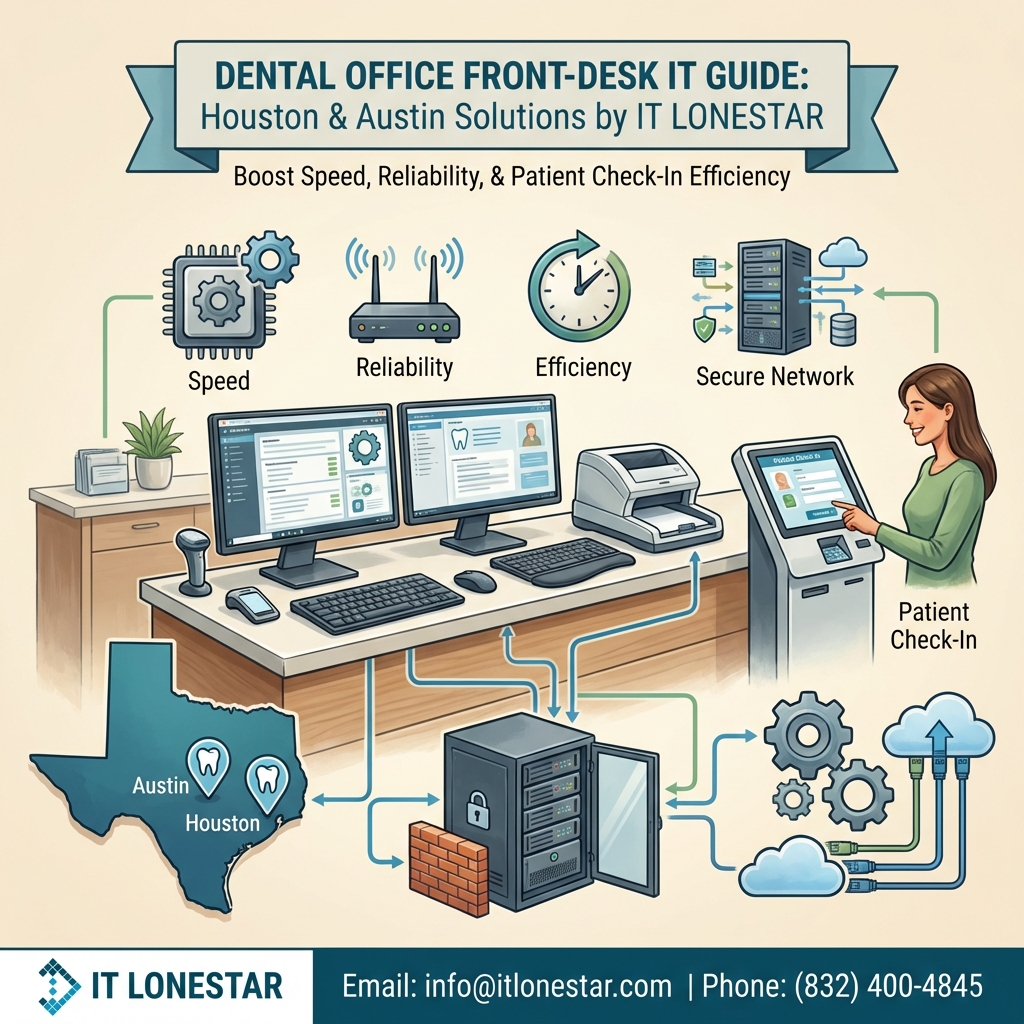
At IT LONESTAR Solution, we standardize and upgrade front‑desk environments so Houston and Austin dental practices get fast, dependable systems built for HIPAA‑compliant healthcare use.
Here are our top picks and design principles:
1. Front‑desk computers (workstations)
– Business‑class PCs (Dell OptiPlex or HP ProDesk–class) with:
– Intel i5/i7 or AMD Ryzen 5/7
– 16 GB RAM minimum
– 512 GB SSD (solid‑state drive) for fast boot and instant software loading
– Windows 11 Pro for better security and domain/remote‑management support
– Small‑form‑factor or mini‑PCs mounted behind monitors to save counter space.
2. Monitors for reception
– Dual 24″ or 27″ business monitors per workstation so staff can keep the practice‑management system, imaging, and insurance portals open at the same time.
– Height‑adjustable stands or monitor arms for ergonomics and a clean front‑desk appearance.
3. Signature pads & patient‑facing displays
– USB signature pads compatible with your practice‑management software (e.g., Topaz‑class devices).
– A small patient‑facing monitor or tablet for reviewing treatment plans, estimates, and consent forms.
4. Scanners and document capture
– High‑speed, TWAIN‑compatible sheet‑fed scanners (for IDs, insurance cards, and paperwork) integrated directly with your dental software.
– At least one dedicated front‑desk scanner per office location to avoid bottlenecks.
5. Printers and label printers
– Business‑grade laser MFPs (multi‑function printers) with network connectivity and secure print options.
– Label printers for charts, samples, and barcodes where needed.
6. Networking for fast, reliable check‑in
– Business‑class firewall and router with content filtering and VPN options, installed and managed by IT LONESTAR.
– Managed switches and business Wi‑Fi access points to ensure stable connectivity between front desk, operatories, and servers.
– Segmented guest Wi‑Fi to protect patient data and maintain HIPAA compliance.
7. Peripherals that boost speed
– Wired keyboards and mice for reliability, plus a few wireless sets for flexible workstations.
– Headsets for front‑desk staff handling heavy phone volume or VoIP systems.
8. Data protection & uptime
– Automatic, encrypted cloud and local backups of your practice‑management system.
– Professional antivirus/EDR and patch management on every front‑desk computer.
– Optional failover internet for offices that cannot afford downtime.
9. Standardization & ongoing support
– IT LONESTAR Solution designs a standard front‑desk build for each Houston or Austin practice, then replicates it across locations. This reduces training time, troubleshooting, and unexpected failures.
– We provide remote monitoring and on‑site support so reception staff can focus on patients instead of technology.
By combining business‑class computers, purpose‑built peripherals, and professionally managed networks, IT LONESTAR Solution helps dental practices in Houston and Austin speed up check‑in, reduce errors, and deliver a smoother patient experience—starting from the front desk.