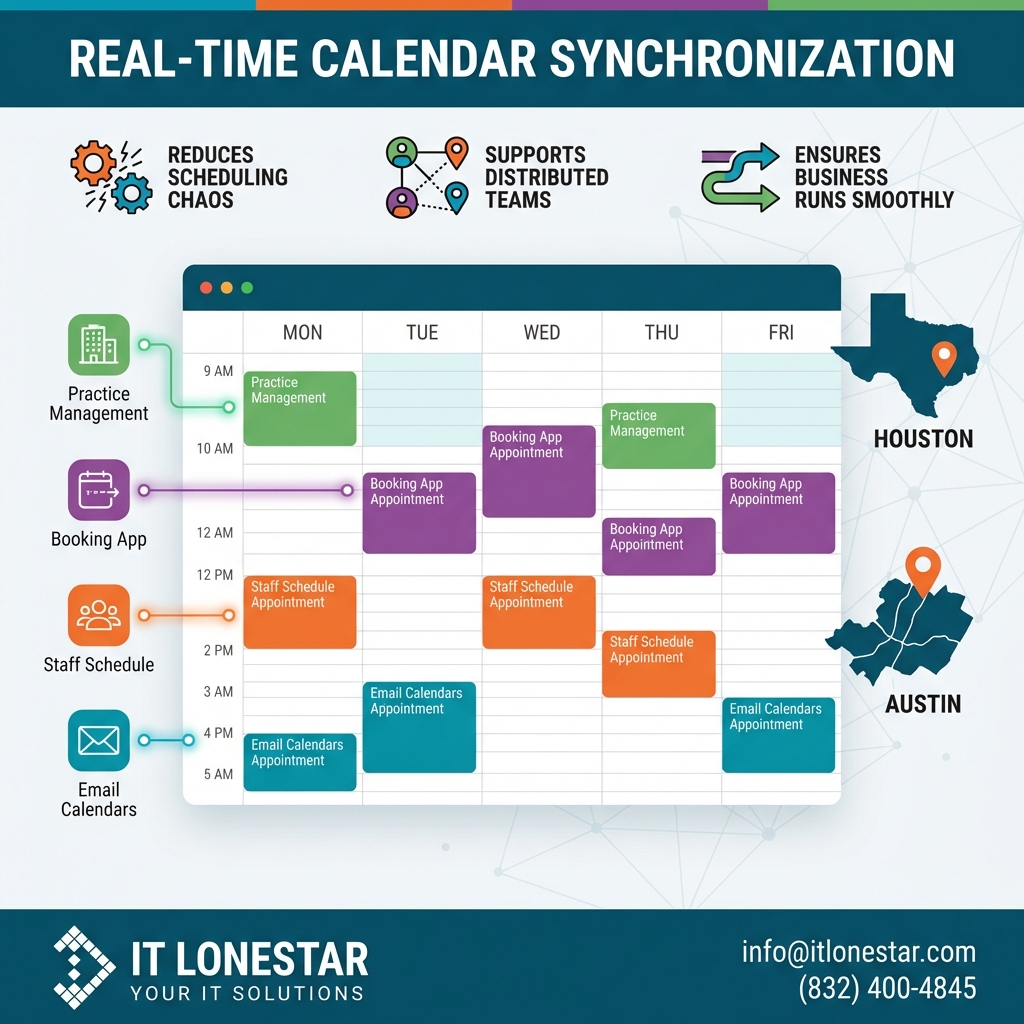
This is an overview of IT LONESTAR’s calendar synchronization solution designed specifically for service providers, clinics, and professional practices in Houston and Austin. The solution connects your practice management tools, email calendars, booking apps, and staff schedules into a single, unified calendar layer so every appointment, ticket, or onsite visit always shows the same availability in real time. It reduces scheduling chaos, supports distributed teams, and ensures your business runs smoothly across locations.
Double-booking happens when systems are disconnected or staff depend on manual updates. A technician books an onsite visit in Outlook, but the slot is still shown as open in your booking tool; front-desk staff pencil in an appointment on a whiteboard that never makes it into the digital calendar; or multiple offices in Houston and Austin work in separate tools that don’t talk to each other.
In fast-paced IT and professional environments, providers juggle remote sessions, onsite visits, vendor calls, and emergency tickets. Without a central source of truth for time, the same hour can appear free in one system and busy in another. Human error, delayed updates, and un-synced tools combine to create double-bookings, no-shows, and frustrated clients. This issue is amplified when you add more staff, more locations, and hybrid or remote work.
IT LONESTAR’s clients in Houston and Austin were experiencing missed or overlapped appointments, unclear technician availability, and billing confusion because each department or office relied on its own calendar. That pain led to the development and implementation of a robust, automated calendar sync service tailored to local providers.
IT LONESTAR fixes double-booking for providers in Houston and Austin by turning your scattered calendars into one coordinated scheduling system.
1. Centralized calendar integration
We integrate the tools your teams already use—Microsoft 365/Outlook, Google Workspace, PSA/RMM platforms, EMR/EHR or booking tools, and shared room calendars—into a unified calendar layer. Any booking or change in one system is automatically reflected in all connected calendars.
2. Real-time two-way sync
Our engineers configure secure, two-way, near-real-time synchronization. If a technician in Austin accepts a service ticket, that block of time is immediately reserved across Outlook, the helpdesk, and any online booking forms your Houston clients see.
3. Smart rules and conflict prevention
We set rules for locations, roles, and services: who can be booked when, buffer times between visits, drive-time between sites, and remote vs onsite capacity. The system automatically flags or blocks conflicts before they are confirmed.
4. Role-based views for teams
Front-desk staff, dispatch, management, and field technicians each get a tailored view of schedules. Everyone sees accurate availability, but sensitive details can be restricted.
5. Local, ongoing support
IT LONESTAR’s Houston- and Austin-based team monitors sync health, applies updates, and adapts your calendar workflows as your practice grows or adds new tools.
The result is fewer double-bookings, higher utilization, better client experiences, and clear visibility into your team’s time across both cities.