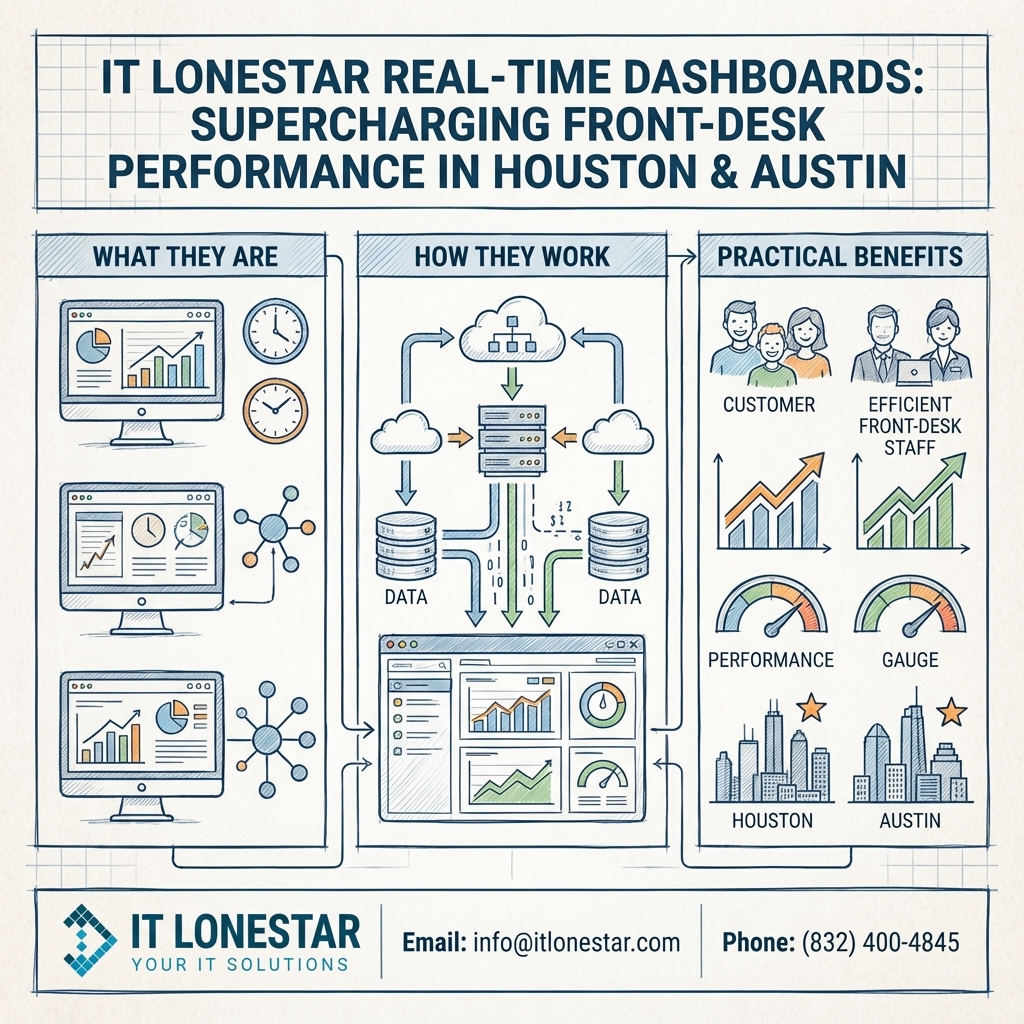
IT LONESTAR fixes this problem by designing and deploying real-time front-desk dashboards tailored specifically to organizations in Houston and Austin.
First, our team integrates your existing systems—phone system (VoIP), help desk or ticketing tools, practice management or CRM platforms, calendars, and key business apps—into a single unified dashboard. This removes the need for reception staff to jump between multiple screens and gives them an instant, at-a-glance view of everything that matters.
Key features of IT LONESTAR’s real-time front-desk dashboards include:
1. Live Call and Queue Monitoring
– See active calls, missed calls, hold times, and queues in real time.
– Prioritize VIP clients or critical calls.
– Reduce abandoned calls and improve customer satisfaction.
2. Real-Time Check-In and Appointment Status
– Track arrivals, late appointments, and no‑shows as they happen.
– Instantly see which customers or patients are waiting and for how long.
– Alert staff automatically when wait times approach service-level thresholds.
3. Unified Communication View
– Combine phone, chat, email, and web inquiries into one screen.
– Give front-desk teams a single point of control for all incoming requests.
– Reduce response times and ensure no message is overlooked.
4. Performance and SLA Metrics for Houston and Austin Locations
– Compare performance between your Houston and Austin offices in real time.
– View KPIs such as average handling time, first-contact resolution, and wait-time trends.
– Use visual indicators (color codes, alerts, and widgets) so supervisors can intervene quickly when service dips.
5. Custom Alerts and Automation
– Configure alerts for missed calls, long queues, or VIP arrivals.
– Use automated workflows to route calls or tasks to backup staff in another location (for example, Austin backing up Houston during peak hours or vice versa).
6. Role-Based Views
– Provide reception, office managers, and executives with dashboards tailored to their needs.
– Reception sees operational details; managers see workload and staffing; leadership sees trends and outcomes.
Implementation Steps with IT LONESTAR in Houston and Austin:
1. Discovery and Assessment
We assess your current front-desk operations, tools, and workflows in each location. This includes mapping call flows, front-desk processes, and customer touchpoints specific to your Houston and Austin offices.
2. Design and Integration
Our engineers design a dashboard layout that reflects your business priorities. We integrate your VoIP system, CRM, practice management, scheduling tools, and collaboration platforms into a single, real-time interface.
3. Deployment and Training
We deploy the dashboards on large wallboards, front-desk monitors, and manager consoles. Then we train your front-desk teams and supervisors in both Houston and Austin on how to use the dashboards to prioritize tasks, respond to spikes, and use the data for continuous improvement.
4. Optimization and Ongoing Support
IT LONESTAR monitors performance data and user feedback, then fine-tunes dashboard widgets, alerts, and automations. Our managed IT services teams in Houston and Austin provide ongoing support, security, and maintenance so your dashboards remain fast, reliable, and aligned with your evolving operations.
Results for Houston and Austin Organizations:
– Faster check‑ins and reduced lobby wait times.
– Fewer missed or abandoned calls and higher customer satisfaction.
– Better visibility across multi-location operations (Houston and Austin).
– Data-driven staffing decisions and scheduling.
– Empowered front-desk teams who can work proactively instead of reactively.
By centralizing information and making it available in real time, IT LONESTAR’s dashboards turn the front desk from a bottleneck into a strategic asset for businesses across Houston and Austin.